
Documentation
AeroTube keeps YouTube simple. Here’s a quick start and the key features.
Install
- Chrome or Edge: install from the store, or load unpacked in developer mode.
- Open a YouTube video. The toolbar icon shows an “ON” badge on watch pages.
Clean mode
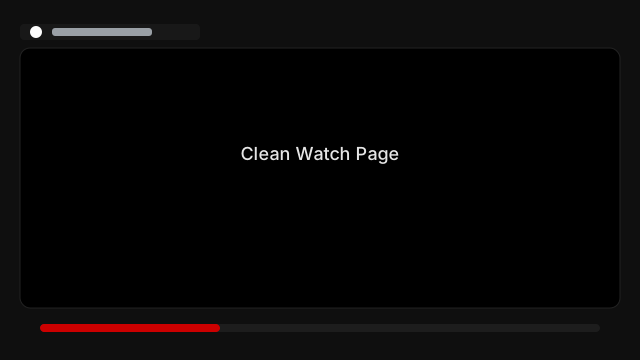
On watch pages, AeroTube hides comments, the right rail, and promos. A small header shows the title, channel, and date. The native player stays intact (captions, quality, shortcuts).
Saved videos
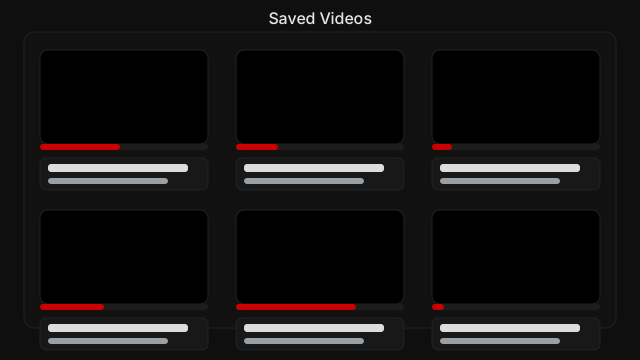
- Middle‑click a video on home or search to add it to your list.
- Open the list from the toolbar icon (right‑click → Open AeroTube Saved).
- Progress is tracked. When you finish a saved video, it marks itself done.
Options
Open the extension’s Options to customize:
- Default playback speed: used on non‑music videos and for the toggle key.
- Keyboard shortcuts: enable/disable and set keys:
- Toggle default speed (default:
g) - Faster (default:
d) / Slower (default:s)
- Toggle default speed (default:
- Middle‑click to save: add from home/search.
- Disable Picture‑in‑Picture: hides the browser PiP button on the player.
- Hide AI summarise overlays: best‑effort hide for in‑page AI buttons.
Troubleshooting
- Controls misaligned? Refresh. Theater mode is enabled automatically.
- Saved items showing added dates? Leave the page open—metadata refresh adds publish dates shortly.